There’s a notch at the top of your Mac.
Something lives in it now.
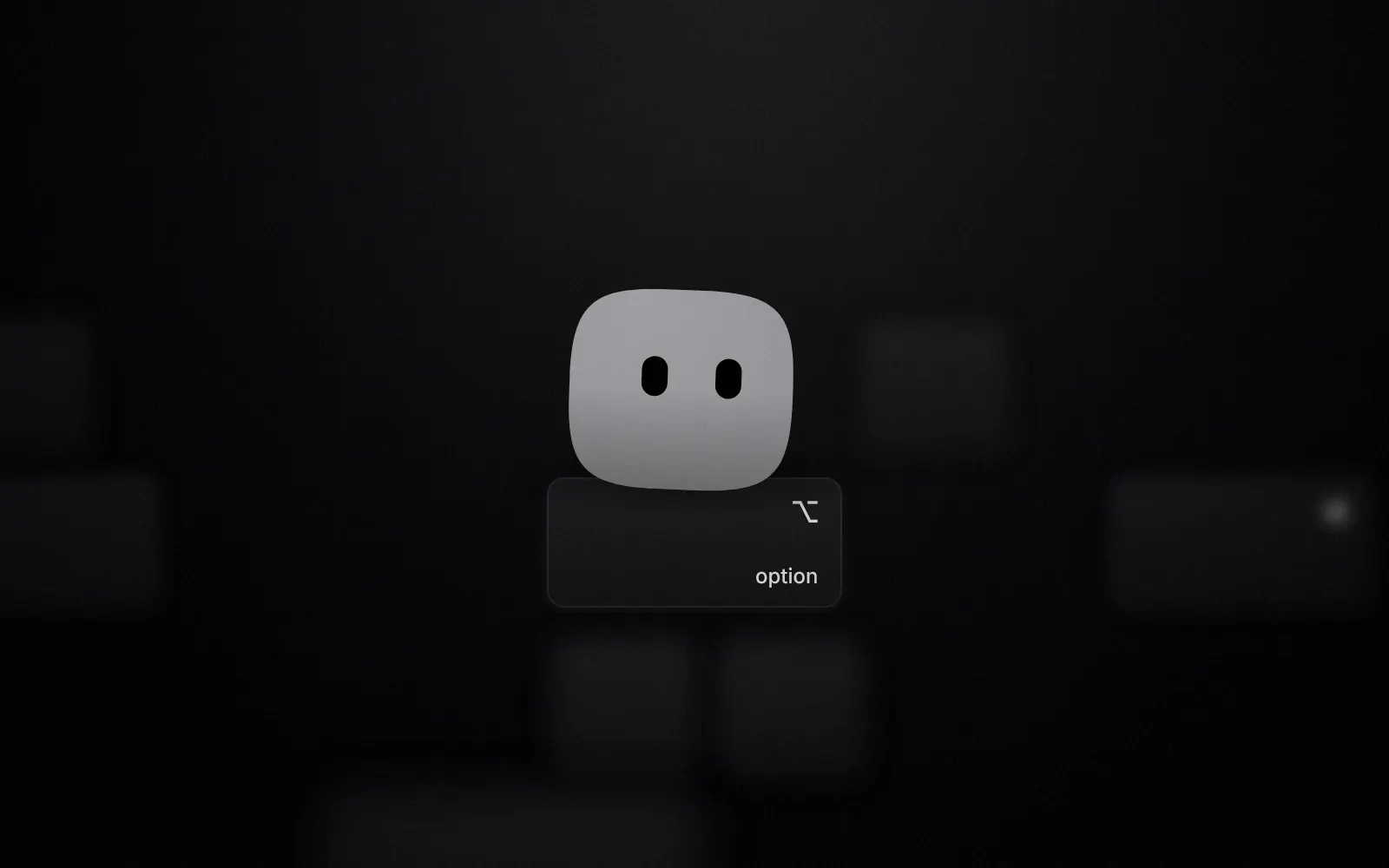
Hold right Option.Say it.Let go.
03Moods
It never says a word.
Blob talks with its whole body: six moods, the app’s own springs, a blink every 4.6 seconds. Pick one.
Music is playing. Hops, roughly on the beat.
04Interlude
A character, not a cursor.
06Privacy
What it sees, and what it needs.
What it sees
- Your voice becomes text on your Mac, with Whisper. The model downloads once, about 150 MB, and works offline after that.
- It looks at your screen when you ask about it, or when the thing you asked for needs a look. One screenshot, without Blob in it.
- It asks before deleting, sending or buying anything. It never uses sudo and doesn’t touch passwords.
- Copies from password managers never reach the clipboard history.
What it needs
- macOS 14 or later, on Apple silicon or Intel.
- Claude Code, installed and signed in. Blob does things through it, on your own Claude subscription.
- Accessibility access, for the ⌥ key and for clicking around in apps.
- A MacBook with a notch is the nicest home. On other screens Blob draws its own.
07iPhone
A little of it comes with you.
The iPhone app puts your timers and your next meeting in the Dynamic Island and on the Lock Screen. Pair it with your Mac using a six-digit code on the same Wi-Fi, and you can see Claude working from the couch, or type your Mac a task and watch it happen.
Thursday 6 November
9:41
08Get Blob
Move Blob in.
There’s no download yet. Blob is built from its source: clone it, run one script, press Run in Xcode. It takes about five minutes, most of it Xcode.
./scripts/bootstrap.sh
open Blob.xcodeprojThe repository is private for now, so the code is open to people who’ve been invited.